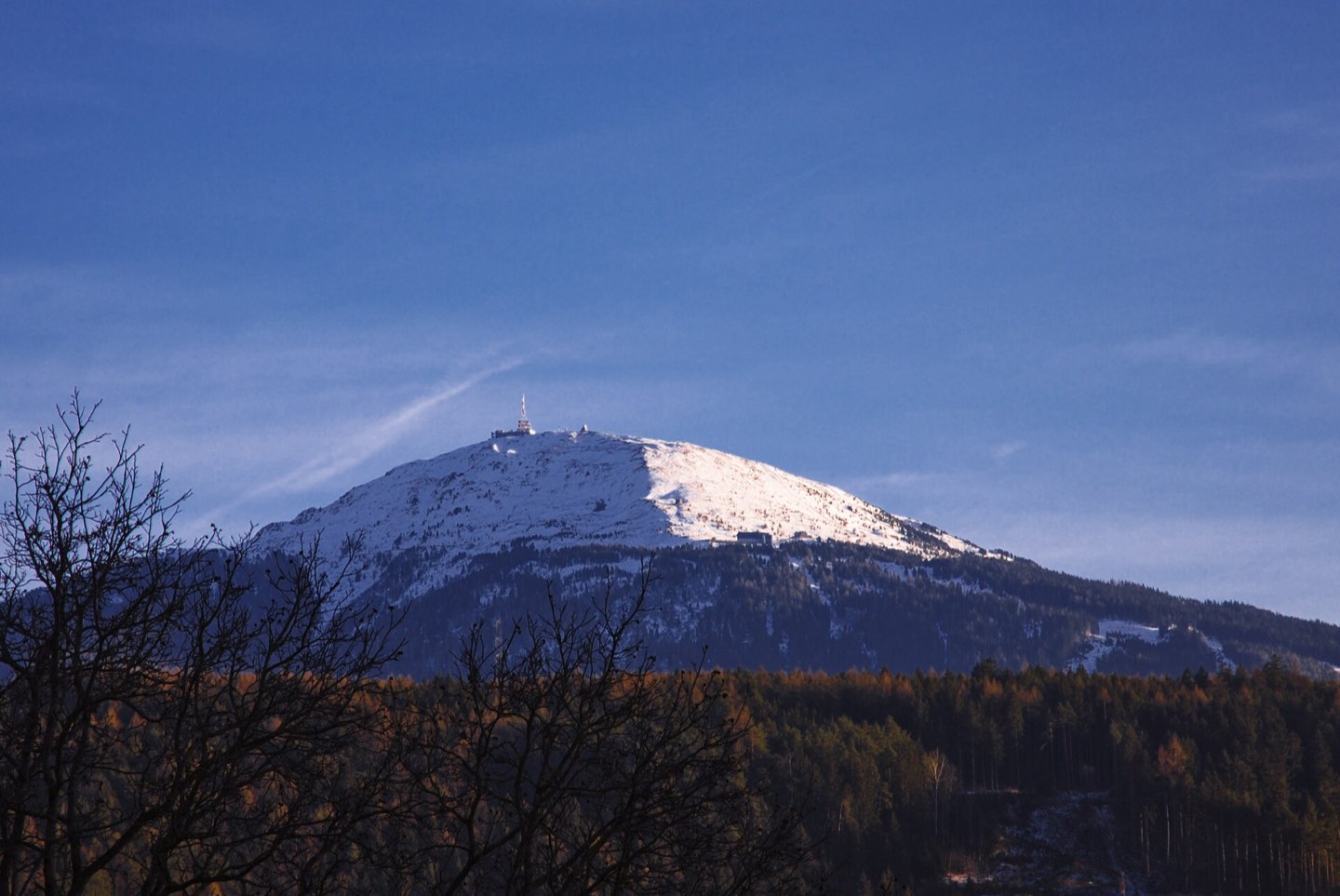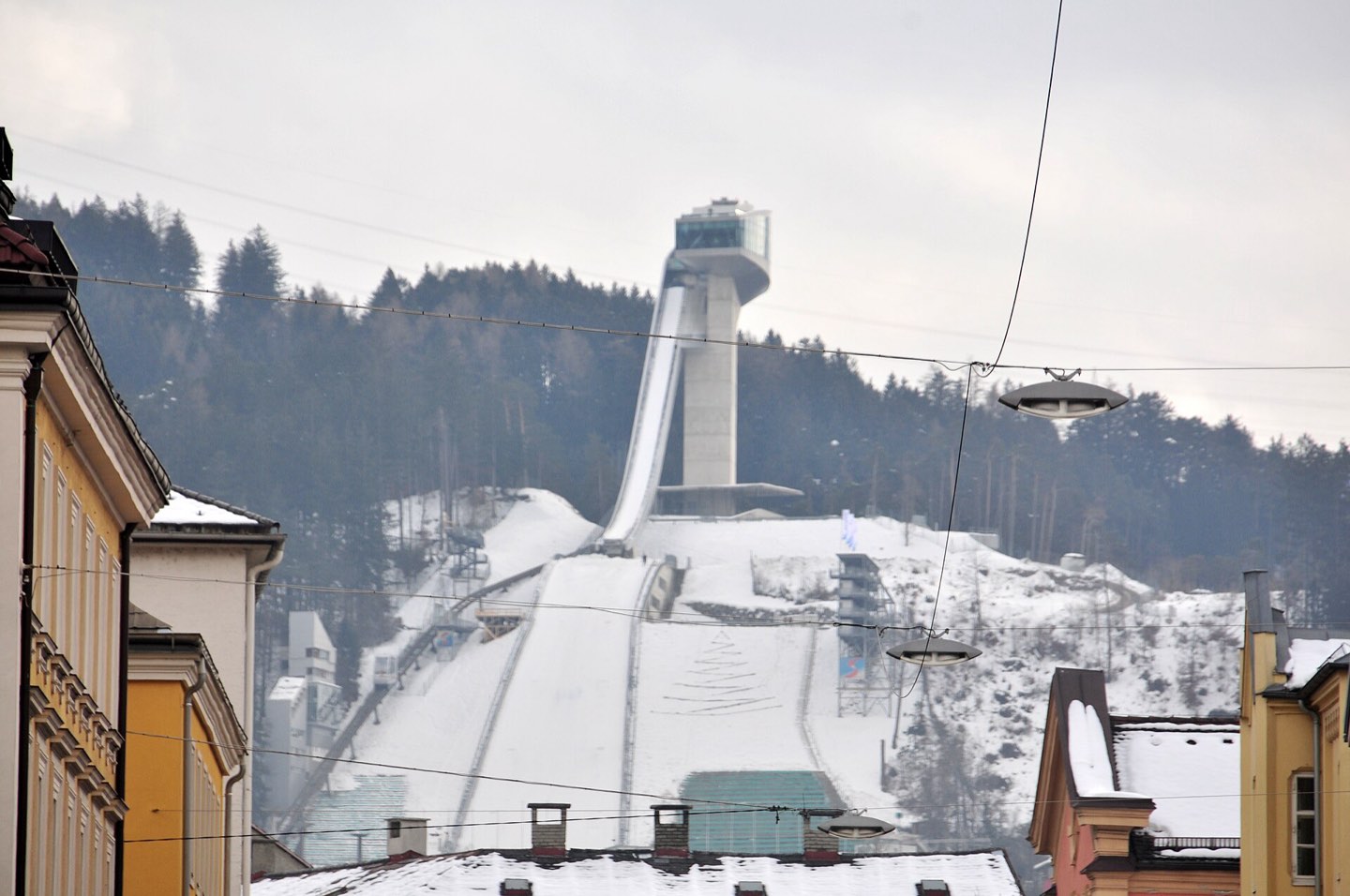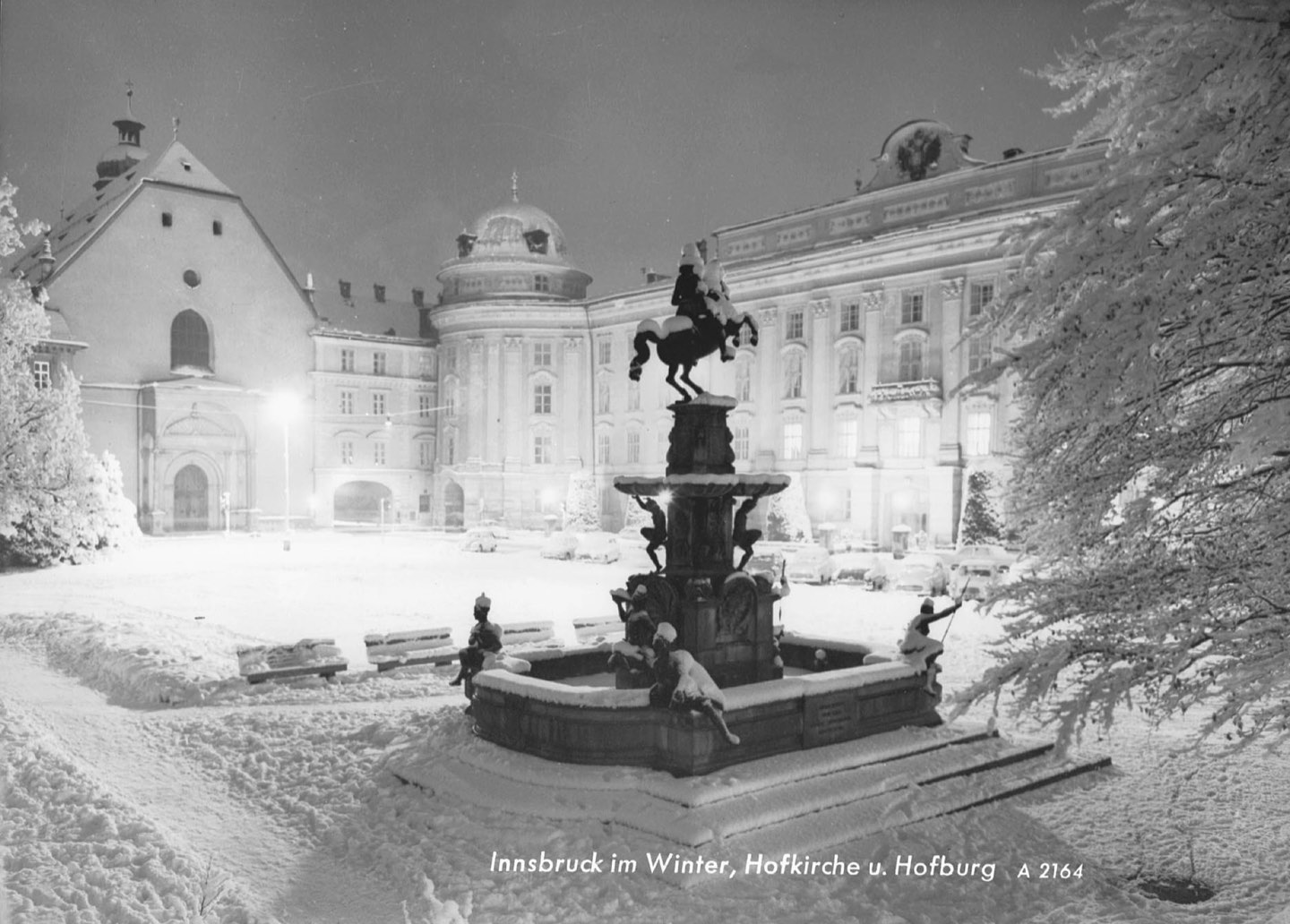
Around Innsbruck
10–13 Jan · usually −8 to 4 °C, some rain
Chrome extension for Airbnb and Booking.com
Open a listing and Outside builds a short narrated video of what is around it: things to do, live prices and the weather for your dates. All from the live web, in about ten seconds.
Around Innsbruck
10–13 Jan · usually −8 to 4 °C, some rain
How it works
A small badge appears on the photos of any Airbnb or Booking.com listing. It tells you what it is doing while it works.
Places, opening hours, tours with today's prices, concerts, the weather. Fetched at that moment, for the dates in the listing's address.
A narrated video of under thirty seconds. Every number the voice says is checked against the source it came from.
Built from Google Maps / Viator / GetYourGuide / Songkick / Open-Meteo / Wikimedia Commons, fetched through Context.dev
Your dates
Outside looks up what the weather is usually like on your dates, from the same days in past years, and searches for what people do then. Each thing to do comes with its rating, the drive, and an offer you can book.
Innsbruck, usually −8 to 4 °C
Innsbruck, usually 15 to 26 °C
Two videos Outside built for the same city on 14 November 2026.
Your interests
Pick up to five in the extension's popup and the video is rebuilt around them. Try it here.
3 of 5 picked
Install
Outside is not in the Chrome Web Store yet, so Chrome loads it from a folder on your computer. For that it needs Developer mode switched on.
On a Mac, double-click the file. On Windows, right-click it and choose Extract All. You get a folder called outside-extension. Put it somewhere it can stay: Chrome runs the extension from that folder, so do not delete it.
Type the address below into Chrome's address bar and press Enter. Web pages are not allowed to link there, so copy it.
chrome://extensions
The switch is in the top right corner of the Extensions page. Three buttons appear on the left once it is on.
Click Load unpacked and choose the outside-extension folder: the one that has manifest.json directly inside it. On Windows that can be a folder of the same name inside the first. Outside appears in the list.
Go to any place to stay on Airbnb or Booking.com and look at its photos. The badge builds the video, then turns into a play button. To choose your interests, click the puzzle icon in Chrome's toolbar and pin Outside.
Questions
Extensions normally come from the Chrome Web Store. Outside was built at the Junction 2026 hackathon and is not listed there yet, so Chrome has to load it from a folder, which it only does in Developer mode. Leave the switch on while you use Outside.
Only the listing page you have open on Airbnb or Booking.com: its address, title, location, dates, currency and the links to its photos. That, with your chosen interests, is sent to the Outside server, which builds the video. There is no account, and the extension does not read any other page.
Full listing pages on Booking.com and on Airbnb's sites in 29 countries. It does nothing on search results, maps or the home page.
Each video is built from pages fetched at that moment and is kept for six hours, then rebuilt. The last scene names every source and says when the data was read. Drive times are estimates and are marked with ≈. Prices are the "from" prices the marketplaces showed.
The extension could not reach the Outside server. Press Retry. If many people are trying it at once a video can also take longer than usual, because the live sources are fetched at a limited rate.
To update, download the zip again, replace the folder, and press the reload arrow on Outside's card at chrome://extensions. To remove it, press Remove on the same card and delete the folder.